Keep the show on schedule.
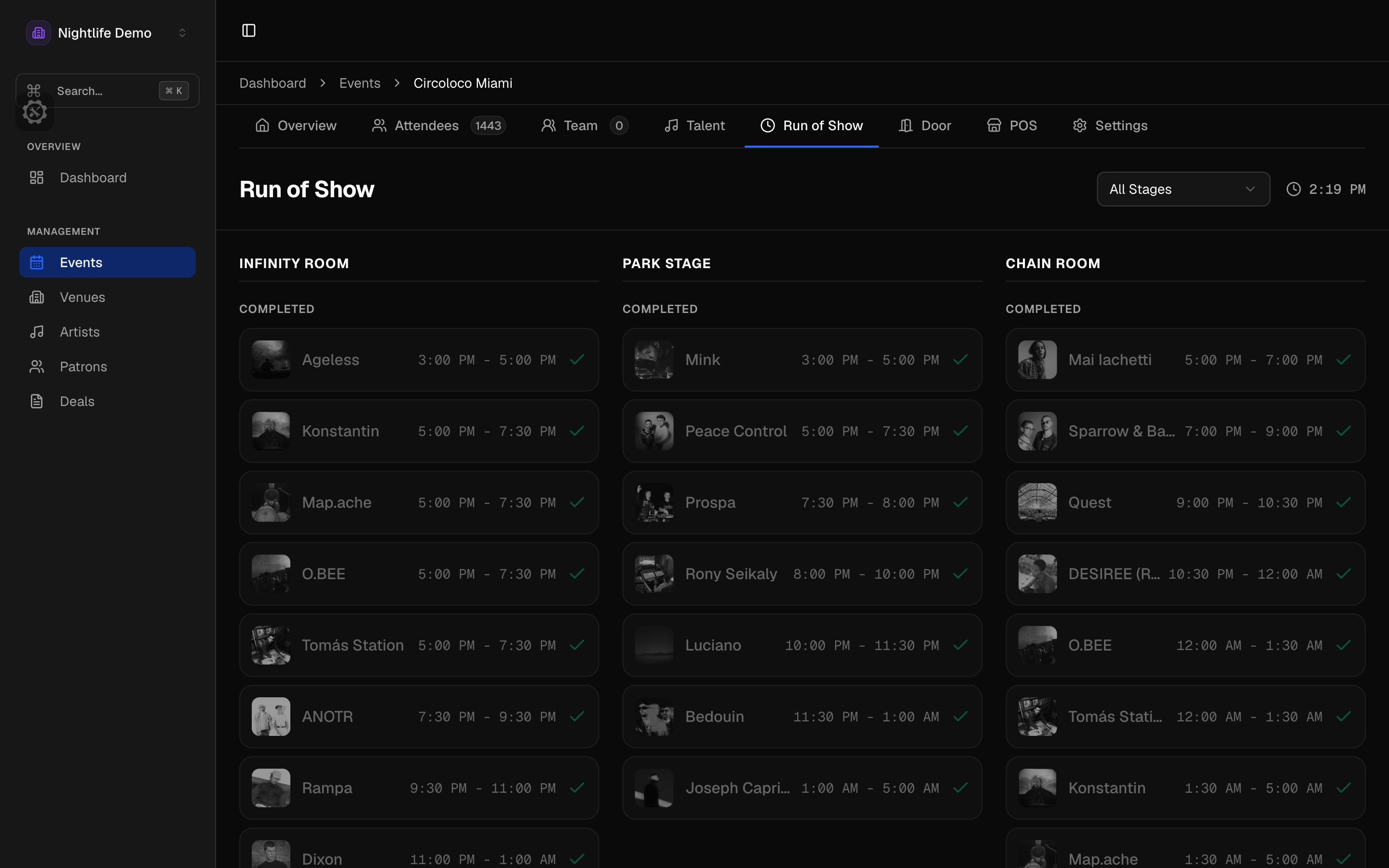
Run of show by stage
Artists are grouped by stage with changeover time between them, so the schedule accounts for the swap as well as the set. Actual start and end times sit next to the planned ones, which is what you want at 2am when someone asks why the headliner went on late.
- Stages per venue and per event, with capacity and hours
- Changeover time between sets
- Planned and actual times side by side
A status everyone can see
Each artist moves through not arrived, in venue, green room, soundcheck, ready, on stage, and set complete. Production, hospitality, and the stage manager all see the same status, so nobody has to get on the radio to find out whether the headliner is in the building.
Alerts on the set time
Everyone on the event gets an alert when a set time changes, and another 15 minutes before a set starts. Move a set and the alerts move with it instead of going off at the old time.
- An alert on every set-time change
- A 15-minute call before each set
- Alerts follow the schedule
A timeline you can drag
Drag artists across stages on a timeline and it warns you as you drop. Two sets cannot quietly overlap on the same stage, and a changeover that no longer fits shows up while you are still moving things.
The public lineup
Every event gets a public lineup page with stages, set times, and artist photos, with a poster preview when someone shares the link. It updates from the same run of show your stage manager is working from.
Show Control questions
- What happens when a set moves?
- The alerts move with it. Everyone on the event gets told the time changed, and the 15-minute call moves to the new time.
- Can one event run more than one stage?
- Yes. Set up stages per venue and per event with capacity and hours, and the run of show groups artists by stage with changeover time between them.
- Who can see the run of show?
- Your team, based on their permissions. The public lineup page is separate and only shows stages, set times, and artist photos.